From the building to your apartment
The committee reviews the building on desktop. The resident sees apartment dues, consumption and the water level on mobile.
BLDNG360 BUILDING & COMPOUND MANAGEMENTA bill residents can understand. A payment with a receipt to return to. A service with someone following up.
Desktop for the committee. Mobile for the resident. ↗The committee reviews the building on desktop. The resident sees apartment dues, consumption and the water level on mobile.
Months and issued bills on desktop, alongside the committee app’s bill draft and electricity cost details.
The committee follows collections by month. The resident reviews outstanding amounts and payment history on mobile.
Building consumption and tank levels in the committee dashboard; previous and current readings and billed consumption on the resident screen.
A resident and a committee have different responsibilities. Choose the part you want to explore.
Residents, collections, cash and reports. A workspace for the committee and a view for each resident.
Explore the details ↗Electricity, water and fuel. Billing readings and monitoring data depend on devices and configuration, with people following up.
Explore the details ↗Sections, facilities, contracts, people and accounts. Organize follow-up within the compound’s management scope.
Explore the details ↗Open a service: apartments, visitor arrivals, tanks, meters or shared facilities. Each has its own scene and follow-up details.
Select a service to open its scene and details.
Choose a category, then open a feature to see what it does and how to follow it.


Permissions and scope determine available information and actions. The resident view complements the committee workspace.
Review invoices, record collections and follow suppliers and records.
Return to your apartment account, payments, readings and notices.
Collections and readings, or visitor coordination, within role permissions.
Organize sections, shared facilities, accounts and people.
Residents pay outside the app. The authorized committee or concierge records the payment and how it was received, then the receipt and balance appear in the resident account.
Billing readings do not assume a live connection. Automatic monitoring requires compatible devices, connectivity and suitable configuration.
The committee can open a call, WhatsApp or email from the desktop maintenance directory when contact details are available. Follow-up is human; the app does not automatically place a supply order.
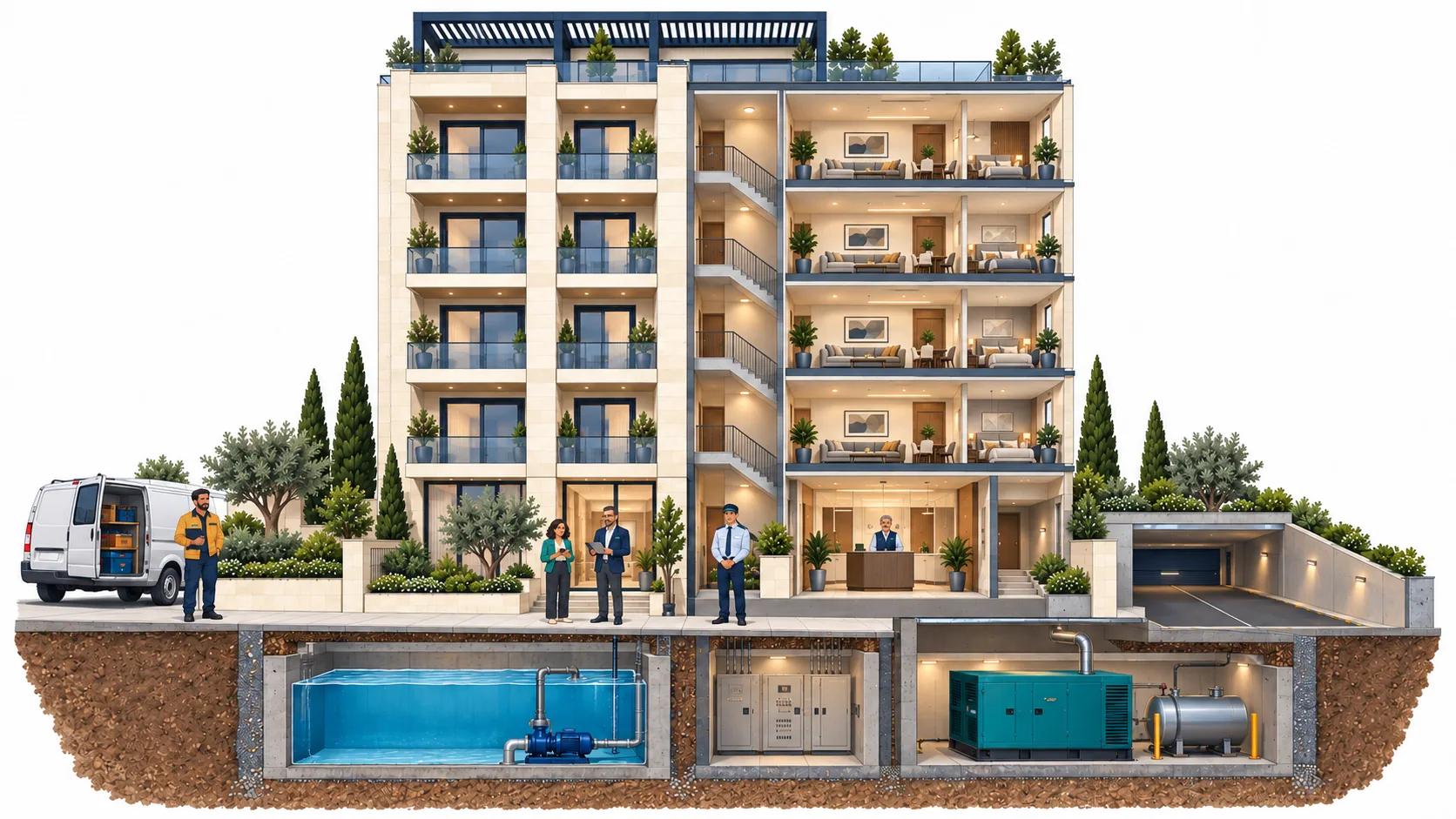
App captures use synthetic demo data. The building, people and compound plan are illustrations, not a client property.
One building or an entire compound. Explore the interfaces, then prepare your needs for a suitable demonstration.