Sections and buildings
Organize units and information within management scope while keeping building boundaries.
 BLDNG360 BUILDING & COMPOUND MANAGEMENT
Sections, shared facilities, people, contracts and accounts. Follow details within the compound’s management scope and configuration.

The compound fund, what the flats owe, tanks and meters, then into any section with one button. A phone interface made for the compound manager, with the compound page and its tabs on the computer.
Actual app captures on a synthetic compound, 19 October 2026. Names stay in Arabic because they were typed that way. The interactive demo in the tour does not include the compound-manager role yet.
Captures from a different synthetic session on 11 October 2026, retaining the original manual annotations. The compound and figures differ from the phone captures; these are not synchronized records or verification of the current release. Desktop captures are in Arabic.
Choose a part of the illustration to explore the team’s responsibilities. This is an explanatory service diagram, not an operations dashboard or a live app screen.
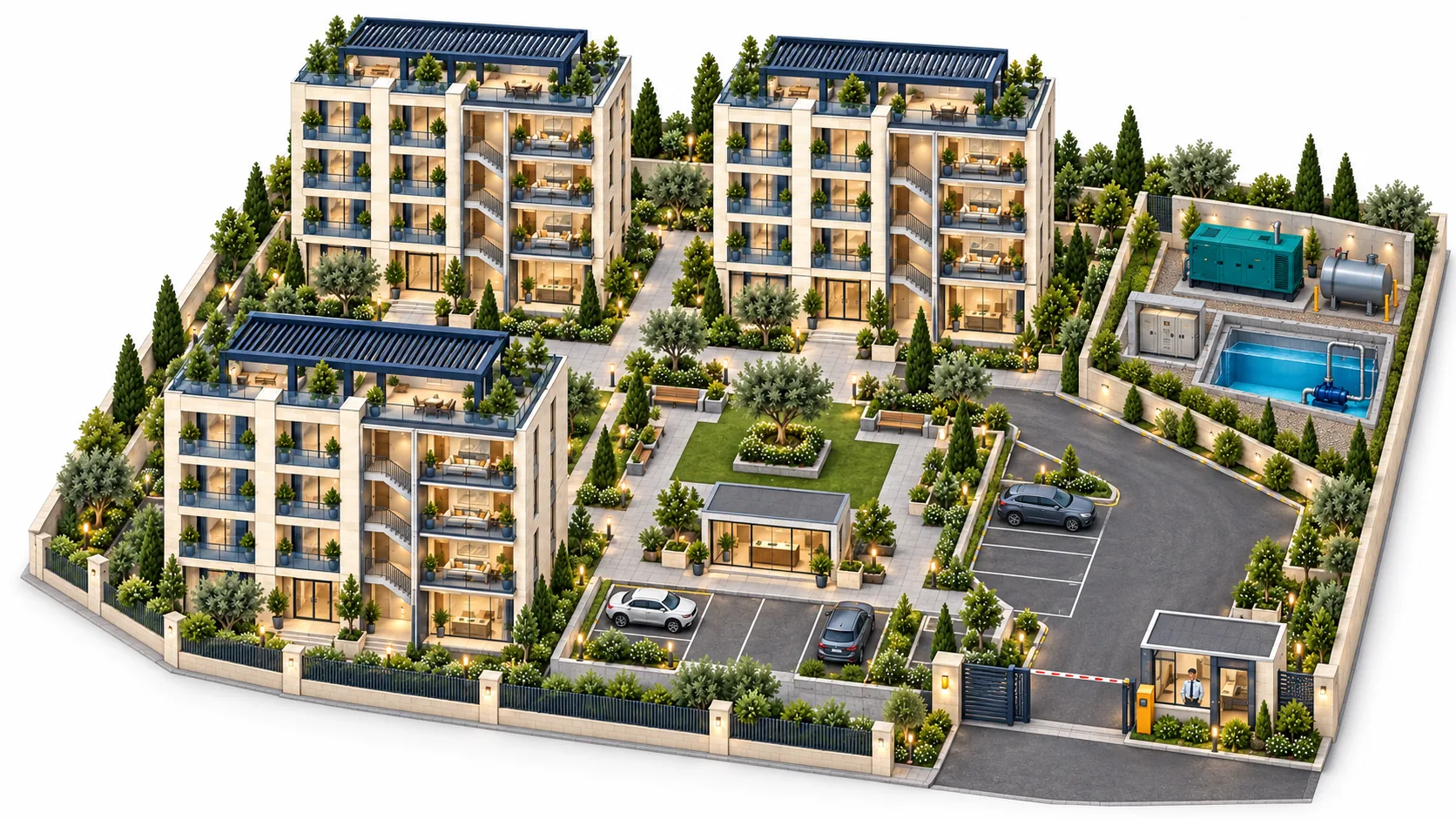
Organize units and information within management scope while keeping building boundaries.
Facilities and expenses within compound configuration; a single integrated multi-section generator is not assumed.
Follow people, payroll and roles within role permissions and the relevant interface.
Return to contracts, expenses and supplier details from the management workspace.
Invoices, chart of accounts, suggested kWh pricing and reports within compound scope.
Unified management, supervision or facilities billed to flats, subject to structure, configuration and supported constraints.
Records and interfaces connect committee work with the resident view, within available permissions. Explore features by role, service family and building or compound scope.
Open the feature library ↗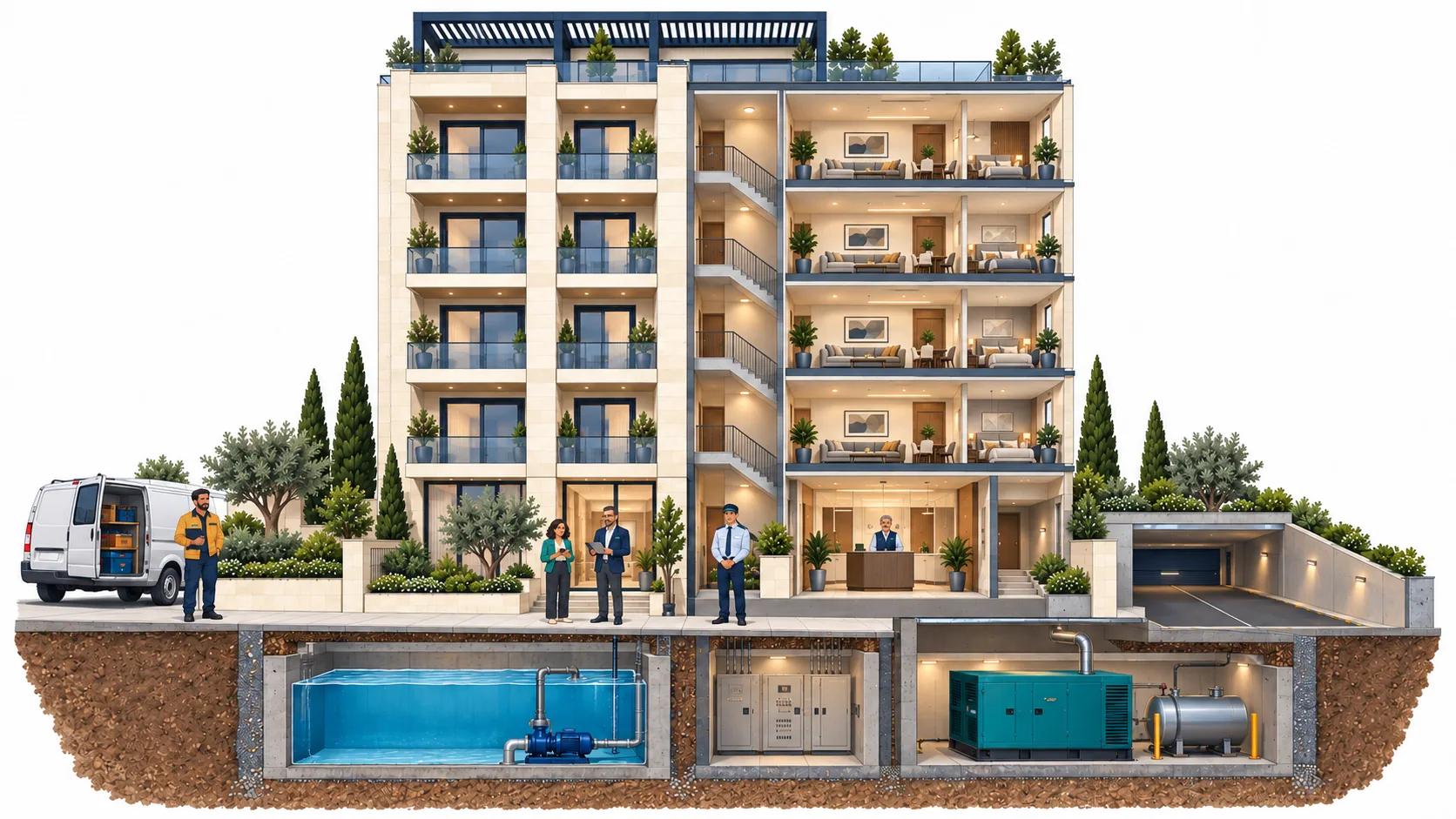
One building or an entire compound. Explore the interfaces, then prepare your needs for a suitable demonstration.
